Entra ID AiTM Phishing-Kit Chain Detected
Identifies a Microsoft Entra ID identity-compromise chain in which a single user, within a 10-minute window, authenticates to the Device Registration Service through the Microsoft Authentication Broker (MAB) client, registers a device, and then uses the resulting Primary Refresh Token (PRT) to access a resource other than the Device Registration Service. This sequence is the core post-adversary-in-the-middle (AiTM) persistence pattern used by phishing kits such as Tycoon2FA and Kali365: after capturing a victim session, the kit registers an Azure AD-joined device to obtain a device-bound PRT, which survives user-level session revocation and password resets and grants trusted, MFA-free access. Correlating the broker sign-in, the device-registration audit event, and the follow-on PRT sign-in for the same user within a short window is a high-fidelity indicator of active account takeover.
Elastic rule (View on GitHub)
  1[metadata]
  2creation_date = "2026/06/29"
  3integration = ["azure"]
  4maturity = "production"
  5updated_date = "2026/09/18"
  6
  7[rule]
  8author = ["Elastic"]
  9description = """
 10Identifies a Microsoft Entra ID identity-compromise chain in which a single user, within a 10-minute window,
 11authenticates to the Device Registration Service through the Microsoft Authentication Broker (MAB) client, registers a
 12device, and then uses the resulting Primary Refresh Token (PRT) to access a resource other than the Device Registration
 13Service. This sequence is the core post-adversary-in-the-middle (AiTM) persistence pattern used by phishing kits such as
 14Tycoon2FA and Kali365: after capturing a victim session, the kit registers an Azure AD-joined device to obtain a
 15device-bound PRT, which survives user-level session revocation and password resets and grants trusted, MFA-free access.
 16Correlating the broker sign-in, the device-registration audit event, and the follow-on PRT sign-in for the same user
 17within a short window is a high-fidelity indicator of active account takeover.
 18"""
 19false_positives = [
 20    """
 21    Legitimate device onboarding (for example a user enrolling a new corporate device through Azure AD join) can produce
 22    a broker authentication to the Device Registration Service followed by PRT issuance. Validate that the device,
 23    source IP/ASN, and user agent are expected, and that the device is managed/compliant.
 24    """,
 25    """
 26    Authorized red team or penetration testing engagements that register devices and exercise PRTs will match this
 27    sequence. Document the engagement and add scoped exceptions for the involved principals or source addresses.
 28    """,
 29]
 30from = "now-15m"
 31index = ["logs-azure.signinlogs-*", "logs-azure.auditlogs-*"]
 32language = "eql"
 33license = "Elastic License v2"
 34name = "Entra ID AiTM Phishing-Kit Chain Detected"
 35note = """## Triage and analysis
 36
 37### Investigating Entra ID AiTM Phishing-Kit Chain Detected
 38
 39This rule correlates three events for the same user within a 10-minute window that together represent the canonical post-AiTM identity-compromise chain:
 40
 411. A non-interactive sign-in through the Microsoft Authentication Broker (MAB) client (`app_id` `29d9ed98-a469-4536-ade2-f981bc1d605e`) to the `Device Registration Service` resource, with an `unbound` session token (`token_protection_status_details.sign_in_session_status`).
 422. A successful `Register device` audit event initiated by the same user for a target device named `DESKTOP-*`.
 433. An interactive sign-in using a `primaryRefreshToken` (PRT) to a resource other than the Device Registration Service, from an unmanaged device.
 44
 45After an AiTM kit captures a victim session, it registers an Azure AD-joined device to obtain a device-bound PRT. Because the PRT is bound to the device rather than the user session, it survives `revokeSignInSessions` and password resets, providing durable, MFA-free access. Observing the broker-to-DRS auth, the registration, and the first PRT use in quick succession is strong evidence of active account takeover rather than benign onboarding.
 46
 47### Possible investigation steps
 48
 49- Identify the user via `azure.signinlogs.properties.user_principal_name` / `azure.signinlogs.properties.user_id` and the registered device via the `Register device` event (`azure.auditlogs.properties.target_resources.0.display_name`). Default `DESKTOP-<random>` names that do not match your convention are suspicious.
 50- Review the source of each step: `source.ip`, `source.as.organization.name`, and `source.geo.*`. Hosting/VPS ASNs (for example Tencent or Alibaba) and unexpected geographies, or a single source driving all three steps, are high-fidelity suspicious.
 51- Inspect the registration user agent on the `Register device` event (`azure.auditlogs.properties.userAgent`); a spoofed `Dsreg/10.0 (Windows <build>)` string or a raw HTTP client such as `axios/*` or `python-requests/*` indicates tooling.
 52- Confirm the PRT step: `azure.signinlogs.properties.incoming_token_type` is `primaryRefreshToken`, the device `trust_type` is `Azure AD joined`, and `device_detail.is_managed` is false (unmanaged), and the `resource_display_name` is a real resource (Microsoft Graph, Office 365 Exchange Online, etc.) rather than the Device Registration Service.
 53- Check for additional persistence established in the same window: an attacker-registered MFA method (`User registered security info`), multiple device registrations by the same user, or broker tokens minted for other resources.
 54- Review Conditional Access outcomes to determine whether device compliance or MFA was bypassed.
 55
 56### False positive analysis
 57
 58- Legitimate Azure AD join / device onboarding can produce a broker-to-DRS auth followed by PRT issuance. Validate the device against inventory and confirm it is managed/compliant and registered from an expected source.
 59- Authorized security assessments that register devices and exercise PRTs will match. Document and add scoped exceptions.
 60
 61### Response and remediation
 62
 63- Treat as likely account takeover. Remove the rogue device registration BEFORE revoking sessions, because device-bound PRTs survive `revokeSignInSessions` and a device left in place re-establishes access.
 64    - `GET /v1.0/users/{id}/registeredDevices` and `/ownedDevices`, then `DELETE /v1.0/devices/{deviceObjectId}` for unrecognized devices.
 65- Revoke refresh tokens and sessions, then reset credentials and re-register MFA.
 66    - `POST /v1.0/users/{id}/revokeSignInSessions`.
 67- Temporarily disable the account if activity must be halted during investigation.
 68    - `PATCH /v1.0/users/{id}` with body `{"accountEnabled": false}`.
 69- Remove other attacker persistence: attacker-registered MFA methods, malicious inbox/forwarding rules, and OAuth consents.
 70- Tighten device registration and join controls via Conditional Access (restrict who can register/join devices, require MFA for registration, and require a compliant/managed device for resource access).
 71"""
 72references = [
 73    "https://any.run/malware-trends/tycoon/",
 74    "https://www.huntress.com/blog/kali365-device-code-phishing-kit",
 75    "https://any.run/malware-trends/kali365/",
 76    "https://arcticwolf.com/resources/blog/token-bingo-dont-let-your-code-be-the-winner/",
 77    "https://www.elastic.co/security-labs/tycoon-2fa-aitm-detection-engineering"
 78]
 79risk_score = 73
 80rule_id = "d2c02b2b-bd01-4d4a-a17a-8df8f357b015"
 81severity = "high"
 82tags = [
 83    "Domain: Cloud",
 84    "Domain: Identity",
 85    "Data Source: Azure",
 86    "Data Source: Microsoft Entra ID",
 87    "Data Source: Microsoft Entra ID Sign-In Logs",
 88    "Data Source: Microsoft Entra ID Audit Logs",
 89    "Use Case: Identity and Access Audit",
 90    "Use Case: Threat Detection",
 91    "Tactic: Persistence",
 92    "Tactic: Credential Access",
 93    "Resources: Investigation Guide",
 94    "Noise: Unknown",
 95    "Performance: Normal",
 96    "Profile: Recommended",
 97    "Threat: AiTM Phishing",
 98    "Rule Type: Event Correlation (EQL)",
 99    "Platform: Entra ID",
100]
101timestamp_override = "event.ingested"
102type = "eql"
103
104query = '''
105sequence with maxspan=3m
106  [authentication where
107    data_stream.dataset == "azure.signinlogs" and
108    azure.signinlogs.category == "NonInteractiveUserSignInLogs" and
109    azure.signinlogs.properties.app_id == "29d9ed98-a469-4536-ade2-f981bc1d605e" and
110    azure.signinlogs.properties.resource_display_name == "Device Registration Service" and
111    azure.signinlogs.properties.incoming_token_type == "refreshToken" and
112    azure.signinlogs.properties.token_protection_status_details.sign_in_session_status == "unbound" and
113    azure.signinlogs.properties.user_type == "Member" and
114    azure.signinlogs.result_signature == "SUCCESS"
115  ] by azure.signinlogs.properties.user_id
116  [any where
117    data_stream.dataset == "azure.auditlogs" and
118    azure.auditlogs.operation_name == "Register device" and
119    azure.auditlogs.properties.initiated_by.user.id != null and
120    azure.auditlogs.properties.target_resources.`0`.display_name like "DESKTOP-*" and
121    event.outcome == "success"
122  ] by azure.auditlogs.properties.initiated_by.user.id
123  [authentication where
124    data_stream.dataset == "azure.signinlogs" and
125    azure.signinlogs.properties.incoming_token_type == "primaryRefreshToken" and
126    azure.signinlogs.properties.original_transfer_method == "deviceCodeFlow" and
127    azure.signinlogs.properties.is_interactive == true and
128    azure.signinlogs.properties.resource_display_name != "Device Registration Service" and
129    azure.signinlogs.properties.device_detail.is_managed != true and
130    azure.signinlogs.result_signature == "SUCCESS"
131  ] by azure.signinlogs.properties.user_id
132'''
133
134
135[[rule.threat]]
136framework = "MITRE ATT&CK"
137[[rule.threat.technique]]
138id = "T1078"
139name = "Valid Accounts"
140reference = "https://attack.mitre.org/techniques/T1078/"
141[[rule.threat.technique.subtechnique]]
142id = "T1078.004"
143name = "Cloud Accounts"
144reference = "https://attack.mitre.org/techniques/T1078/004/"
145
146
147[[rule.threat.technique]]
148id = "T1098"
149name = "Account Manipulation"
150reference = "https://attack.mitre.org/techniques/T1098/"
151[[rule.threat.technique.subtechnique]]
152id = "T1098.005"
153name = "Device Registration"
154reference = "https://attack.mitre.org/techniques/T1098/005/"
155
156
157
158[rule.threat.tactic]
159id = "TA0003"
160name = "Persistence"
161reference = "https://attack.mitre.org/tactics/TA0003/"
162[[rule.threat]]
163framework = "MITRE ATT&CK"
164[[rule.threat.technique]]
165id = "T1550"
166name = "Use Alternate Authentication Material"
167reference = "https://attack.mitre.org/techniques/T1550/"
168[[rule.threat.technique.subtechnique]]
169id = "T1550.001"
170name = "Application Access Token"
171reference = "https://attack.mitre.org/techniques/T1550/001/"
172
173
174
175[rule.threat.tactic]
176id = "TA0005"
177name = "Defense Evasion"
178reference = "https://attack.mitre.org/tactics/TA0005/"
179[[rule.threat]]
180framework = "MITRE ATT&CK"
181[[rule.threat.technique]]
182id = "T1528"
183name = "Steal Application Access Token"
184reference = "https://attack.mitre.org/techniques/T1528/"
185
186
187[rule.threat.tactic]
188id = "TA0006"
189name = "Credential Access"
190reference = "https://attack.mitre.org/tactics/TA0006/"
191
192[rule.investigation_fields]
193field_names = [
194    "@timestamp",
195    "azure.signinlogs.properties.user_principal_name",
196    "azure.signinlogs.properties.user_id",
197    "azure.signinlogs.properties.app_id",
198    "azure.signinlogs.properties.resource_display_name",
199    "azure.signinlogs.properties.incoming_token_type",
200    "azure.signinlogs.properties.device_detail.trust_type",
201    "azure.signinlogs.properties.device_detail.is_managed",
202    "azure.auditlogs.operation_name",
203    "azure.auditlogs.properties.target_resources.0.display_name",
204    "source.ip",
205    "source.as.organization.name",
206    "source.geo.country_name",
207]
Triage and analysis
Investigating Entra ID AiTM Phishing-Kit Chain Detected
This rule correlates three events for the same user within a 10-minute window that together represent the canonical post-AiTM identity-compromise chain:
- A non-interactive sign-in through the Microsoft Authentication Broker (MAB) client (
app_id29d9ed98-a469-4536-ade2-f981bc1d605e) to theDevice Registration Serviceresource, with anunboundsession token (token_protection_status_details.sign_in_session_status). - A successful
Register deviceaudit event initiated by the same user for a target device namedDESKTOP-*. - An interactive sign-in using a
primaryRefreshToken(PRT) to a resource other than the Device Registration Service, from an unmanaged device.
After an AiTM kit captures a victim session, it registers an Azure AD-joined device to obtain a device-bound PRT. Because the PRT is bound to the device rather than the user session, it survives revokeSignInSessions and password resets, providing durable, MFA-free access. Observing the broker-to-DRS auth, the registration, and the first PRT use in quick succession is strong evidence of active account takeover rather than benign onboarding.
Possible investigation steps
- Identify the user via
azure.signinlogs.properties.user_principal_name/azure.signinlogs.properties.user_idand the registered device via theRegister deviceevent (azure.auditlogs.properties.target_resources.0.display_name). DefaultDESKTOP-<random>names that do not match your convention are suspicious. - Review the source of each step:
source.ip,source.as.organization.name, andsource.geo.*. Hosting/VPS ASNs (for example Tencent or Alibaba) and unexpected geographies, or a single source driving all three steps, are high-fidelity suspicious. - Inspect the registration user agent on the
Register deviceevent (azure.auditlogs.properties.userAgent); a spoofedDsreg/10.0 (Windows <build>)string or a raw HTTP client such asaxios/*orpython-requests/*indicates tooling. - Confirm the PRT step:
azure.signinlogs.properties.incoming_token_typeisprimaryRefreshToken, the devicetrust_typeisAzure AD joined, anddevice_detail.is_managedis false (unmanaged), and theresource_display_nameis a real resource (Microsoft Graph, Office 365 Exchange Online, etc.) rather than the Device Registration Service. - Check for additional persistence established in the same window: an attacker-registered MFA method (
User registered security info), multiple device registrations by the same user, or broker tokens minted for other resources. - Review Conditional Access outcomes to determine whether device compliance or MFA was bypassed.
False positive analysis
- Legitimate Azure AD join / device onboarding can produce a broker-to-DRS auth followed by PRT issuance. Validate the device against inventory and confirm it is managed/compliant and registered from an expected source.
- Authorized security assessments that register devices and exercise PRTs will match. Document and add scoped exceptions.
Response and remediation
- Treat as likely account takeover. Remove the rogue device registration BEFORE revoking sessions, because device-bound PRTs survive
revokeSignInSessionsand a device left in place re-establishes access.GET /v1.0/users/{id}/registeredDevicesand/ownedDevices, thenDELETE /v1.0/devices/{deviceObjectId}for unrecognized devices.
- Revoke refresh tokens and sessions, then reset credentials and re-register MFA.
POST /v1.0/users/{id}/revokeSignInSessions.
- Temporarily disable the account if activity must be halted during investigation.
PATCH /v1.0/users/{id}with body{"accountEnabled": false}.
- Remove other attacker persistence: attacker-registered MFA methods, malicious inbox/forwarding rules, and OAuth consents.
- Tighten device registration and join controls via Conditional Access (restrict who can register/join devices, require MFA for registration, and require a compliant/managed device for resource access).
References
-
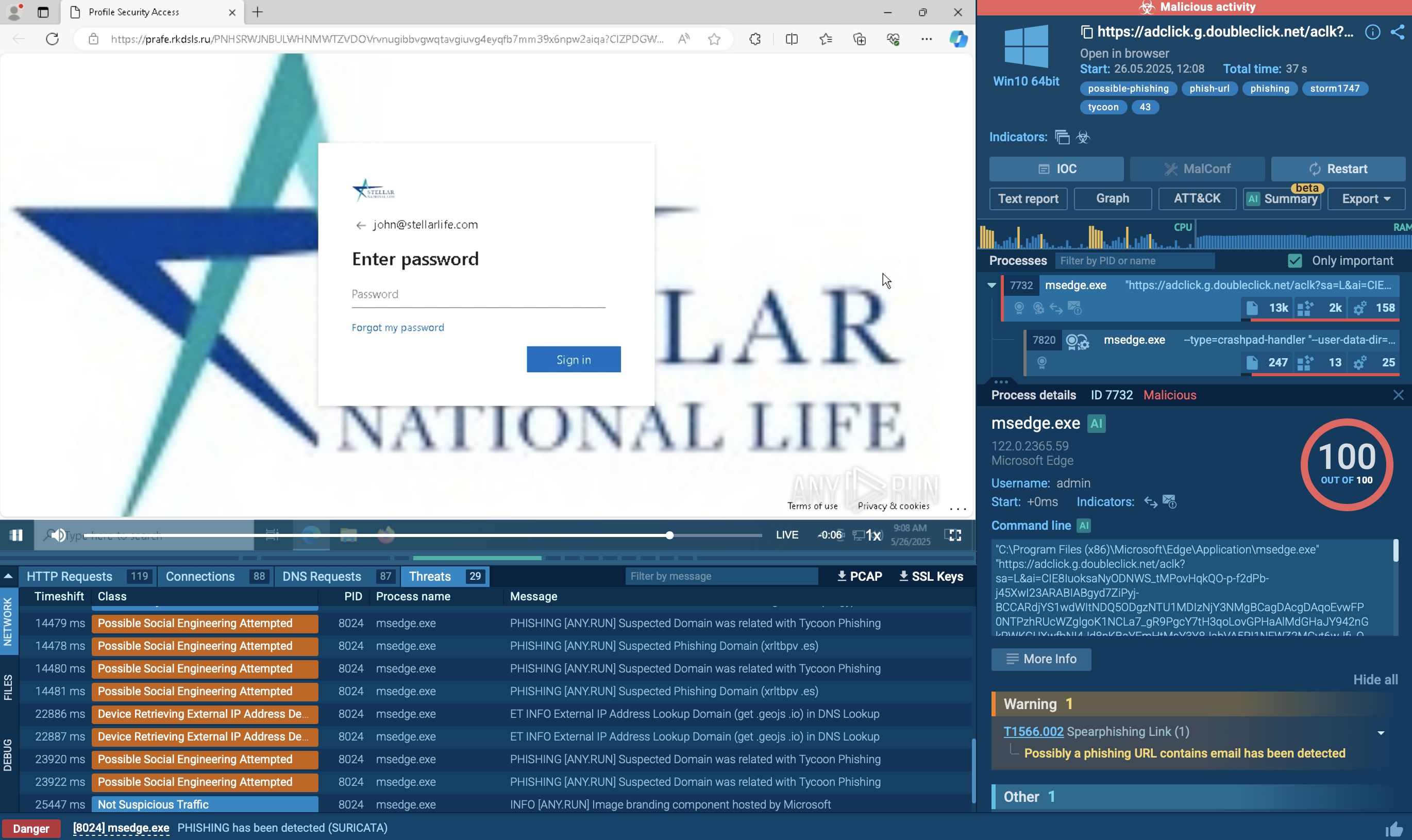
Tycoon 2FA is a phishing-as-a-service kit used for stealing credentials and equipped with advanced evasion capabilities.
Read More -
Huntress traced device code phishing from Tencent Cloud to Kali365, a Microsoft 365 kit that steals tokens and keeps access even after MFA or password resets.
Read More -
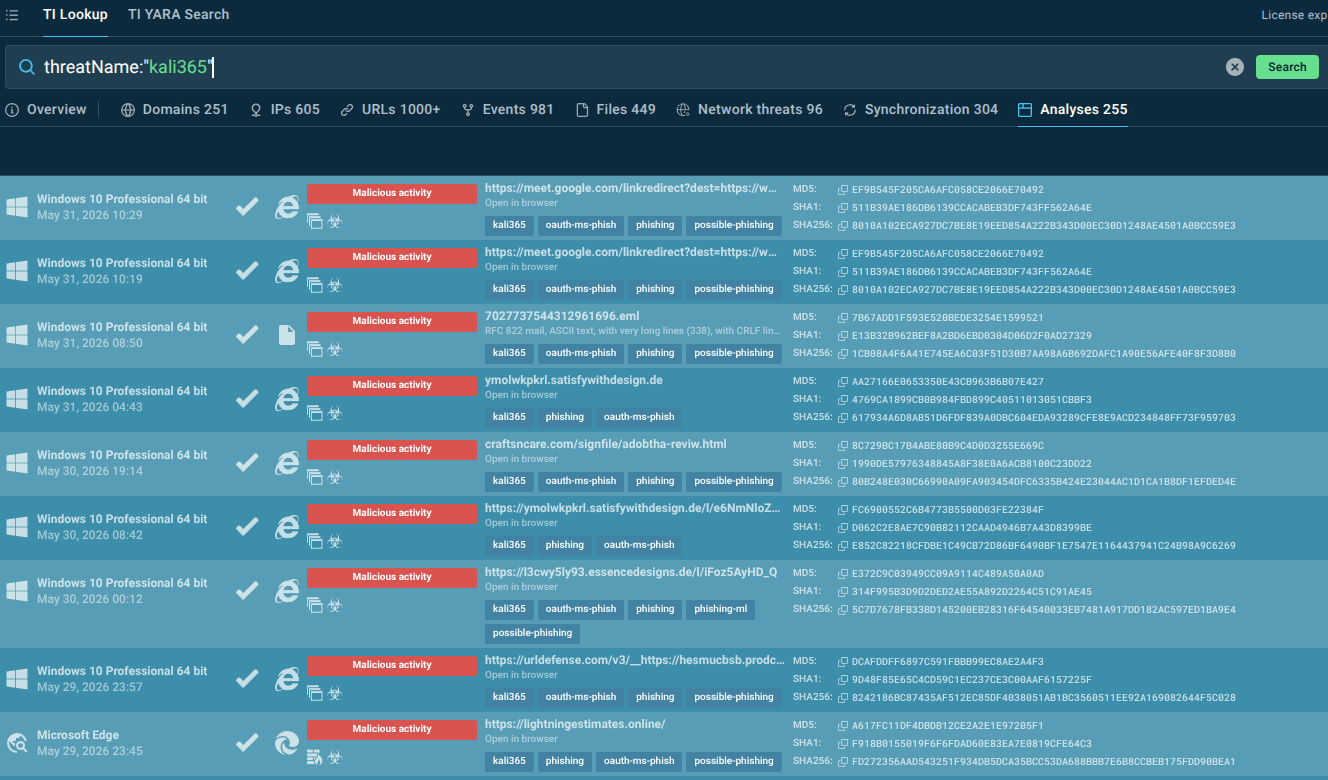
Discover how the Kali365 phishing kit targets Outlook, Teams, and OneDrive through OAuth token theft and what organizations can do to defend against this emerging threat.
Read More -

Arctic Wolf recently observed a large scale device code phishing campaign leveraging the Kali365 phishing‑as‑a‑service platform to obtain initial access and conduct follow-on activity.
Read More -

Tycoon 2FA bypasses MFA on Entra ID and Google Workspace. We map telemetry fingerprints, ship detection rules, and contain incidents in under 10 seconds.
Read More
Related rules
- Entra ID Kali365 Default User-Agent Detected
- Entra ID Device Registration with Phishing Kit Default OS Build
- Entra ID Multiple Device Registrations by a Single User
- Entra ID OAuth Device Code Sign-in to Azure AD Graph Enumeration
- Entra ID Device Registration with ROADtools Default OS Build