Entra ID Device Registration with Phishing Kit Default OS Build
Identifies a Microsoft Entra ID device registration where the recorded cloud device operating system build is
"10.0.19045.2006" and the device display name follows the default "DESKTOP-" pattern. This is the frozen default device
profile observed when adversary-in-the-middle (AiTM) phishing kits such as Tycoon2FA and Kali365 register Azure
AD-joined devices after capturing a victim session, in order to acquire a Primary Refresh Token (PRT) and establish
persistence. The build is hardcoded by the tooling and it is uncommon for the OS build to match this exact value across
an environment of otherwise patched hosts, where a current Windows 10 22H2 device reports a far higher
"10.0.19045.
Elastic rule (View on GitHub)
  1[metadata]
  2creation_date = "2026/06/29"
  3integration = ["azure"]
  4maturity = "production"
  5updated_date = "2026/09/18"
  6
  7[rule]
  8author = ["Elastic"]
  9description = """
 10Identifies a Microsoft Entra ID device registration where the recorded cloud device operating system build is
 11"10.0.19045.2006" and the device display name follows the default "DESKTOP-" pattern. This is the frozen default device
 12profile observed when adversary-in-the-middle (AiTM) phishing kits such as Tycoon2FA and Kali365 register Azure
 13AD-joined devices after capturing a victim session, in order to acquire a Primary Refresh Token (PRT) and establish
 14persistence. The build is hardcoded by the tooling and it is uncommon for the OS build to match this exact value across
 15an environment of otherwise patched hosts, where a current Windows 10 22H2 device reports a far higher
 16"10.0.19045.<revision>" value.
 17"""
 18false_positives = [
 19    """
 20    Legitimate device registrations may coincidentally use the `10.0.19045.2006` build (Windows 10 22H2) with a default
 21    `DESKTOP-` hostname, particularly on imaged or unmanaged Windows hosts that have not been updated. Validate against
 22    your device inventory, expected provisioning workflows, and the registering user before escalating.
 23    """,
 24    """
 25    Authorized red team or penetration testing engagements that register devices with this OS profile will match this
 26    rule. If this is expected, add exceptions for the specific user principal names, source IPs, or device names
 27    involved.
 28    """,
 29]
 30from = "now-9m"
 31index = ["logs-azure.auditlogs-*"]
 32language = "kuery"
 33license = "Elastic License v2"
 34name = "Entra ID Device Registration with Phishing Kit Default OS Build"
 35note = """## Triage and analysis
 36
 37### Investigating Entra ID Device Registration with Phishing Kit Default OS Build
 38
 39AiTM phishing kits including Tycoon2FA and Kali365 register a device in Entra ID with a frozen default cloud device OS build of `10.0.19045.2006` and a default display name of `DESKTOP-<random characters>`. This build is hardcoded by the tooling and differs from the OS version of legitimate, patched hosts (a current Windows 10 22H2 device reports a much higher `10.0.19045.<revision>` value), making the build a useful indicator of kit-driven device registration. Rogue device registration is typically a precursor to Primary Refresh Token (PRT) acquisition, MFA/Conditional Access bypass, and persistent token-based access.
 40
 41The matching Entra ID audit event is an `Add device` operation initiated by the `Device Registration Service`, where the modified properties record the registered device characteristics:
 42
 43- `azure.auditlogs.properties.target_resources.0.modified_properties.3` (`CloudDeviceOSVersion`) = `10.0.19045.2006`
 44- `azure.auditlogs.properties.target_resources.0.modified_properties.4` (`CloudDisplayName`) = `DESKTOP-*`
 45
 46### Possible investigation steps
 47
 48- Confirm the registering identity via `azure.auditlogs.properties.initiated_by.user.userPrincipalName` and determine whether that user is expected to register a new device.
 49- Review `azure.auditlogs.identity` to confirm the `Device Registration Service` initiated the request, and use `azure.correlation_id` to pivot across the full registration flow (`Add device`, `Add registered users to device`, `Add registered owner to device`).
 50- Inspect the device name in `azure.auditlogs.properties.target_resources.0.display_name`; kit-registered names are commonly `DESKTOP-` followed by 6 alphanumeric (Tycoon2FA) or 6 hexadecimal (Kali365) characters.
 51- Inspect the registration user agent on the paired `Register device` event (`azure.auditlogs.properties.userAgent`), which is frequently a spoofed `Dsreg/10.0 (Windows 10.0.19045.2006)` string or a raw HTTP client such as `axios/*` or `python-requests/*`.
 52- Check whether the same user registered multiple devices in a short window (a single piece of kit infrastructure registering several devices is common for PRT persistence at scale).
 53- Review `azure.auditlogs.properties.initiated_by.user.ipAddress` and geolocation for the registration source. Flag unexpected IPs, hosting/VPS ASNs (for example Tencent or Alibaba), or impossible-travel relative to the user's normal activity.
 54- Pivot to `azure.signinlogs` for the same user and timeframe and look for follow-on sign-ins where the incoming token type is a `primaryRefreshToken`, for AiTM sign-ins immediately preceding the registration, or for the broker subsequently minting tokens for other resources such as Microsoft Graph.
 55
 56### False positive analysis
 57
 58- Unmanaged or never-patched Windows 10 22H2 hosts may legitimately present the `10.0.19045.2006` build with a default `DESKTOP-` hostname. Validate against device inventory and known provisioning programs.
 59- Authorized security assessments that register devices with this OS profile will match. Document the engagement and add scoped exceptions.
 60
 61### Response and remediation
 62
 63- If confirmed malicious, remove the registered device from Entra ID and revoke the user's refresh tokens and primary refresh tokens. Remove the device BEFORE revoking sessions, because device-bound PRTs survive `revokeSignInSessions`.
 64- Disable the account or reset credentials per policy and review for additional persistence (attacker-registered MFA methods, added owners, app registrations, or service principal credentials).
 65- Conduct historical analysis using `azure.correlation_id` and the registering user to determine scope of access.
 66- Tighten device registration and join controls via Conditional Access (restrict who can register/join devices and require MFA for registration).
 67"""
 68references = [
 69    "https://any.run/malware-trends/tycoon/",
 70    "https://www.huntress.com/blog/kali365-device-code-phishing-kit",
 71    "https://any.run/malware-trends/kali365/",
 72    "https://arcticwolf.com/resources/blog/token-bingo-dont-let-your-code-be-the-winner/",
 73    "https://www.ic3.gov/PSA/2026/PSA260521",
 74]
 75risk_score = 47
 76rule_id = "82629eed-5516-446e-ad73-03b8c4f4d571"
 77severity = "medium"
 78tags = [
 79    "Domain: Cloud",
 80    "Domain: Identity",
 81    "Data Source: Azure",
 82    "Data Source: Microsoft Entra ID",
 83    "Data Source: Microsoft Entra ID Audit Logs",
 84    "Use Case: Identity and Access Audit",
 85    "Use Case: Threat Detection",
 86    "Threat: Tycoon2FA",
 87    "Threat: Kali365",
 88    "Tactic: Persistence",
 89    "Resources: Investigation Guide",
 90    "Noise: Unknown",
 91    "Performance: Normal",
 92    "Threat: AiTM Phishing",
 93    "Rule Type: Custom Query (KQL)",
 94    "Platform: Entra ID",
 95]
 96timestamp_override = "event.ingested"
 97type = "query"
 98
 99query = '''
100data_stream.dataset:"azure.auditlogs" and event.action:"Add device" and
101    azure.auditlogs.properties.target_resources.0.modified_properties.3.new_value:*10.0.19045.2006* and
102    azure.auditlogs.properties.target_resources.0.modified_properties.4.new_value:*DESKTOP-*
103'''
104
105
106[[rule.threat]]
107framework = "MITRE ATT&CK"
108[[rule.threat.technique]]
109id = "T1098"
110name = "Account Manipulation"
111reference = "https://attack.mitre.org/techniques/T1098/"
112[[rule.threat.technique.subtechnique]]
113id = "T1098.005"
114name = "Device Registration"
115reference = "https://attack.mitre.org/techniques/T1098/005/"
116
117
118
119[rule.threat.tactic]
120id = "TA0003"
121name = "Persistence"
122reference = "https://attack.mitre.org/tactics/TA0003/"
123
124[rule.investigation_fields]
125field_names = [
126    "@timestamp",
127    "event.action",
128    "event.outcome",
129    "azure.auditlogs.identity",
130    "azure.auditlogs.operation_name",
131    "azure.auditlogs.properties.target_resources.0.display_name",
132    "azure.auditlogs.properties.target_resources.0.modified_properties.3.new_value",
133    "azure.auditlogs.properties.target_resources.0.modified_properties.4.new_value",
134    "azure.auditlogs.properties.initiated_by.user.userPrincipalName",
135    "azure.auditlogs.properties.initiated_by.user.ipAddress",
136    "azure.correlation_id",
137]
Triage and analysis
Investigating Entra ID Device Registration with Phishing Kit Default OS Build
AiTM phishing kits including Tycoon2FA and Kali365 register a device in Entra ID with a frozen default cloud device OS build of 10.0.19045.2006 and a default display name of DESKTOP-<random characters>. This build is hardcoded by the tooling and differs from the OS version of legitimate, patched hosts (a current Windows 10 22H2 device reports a much higher 10.0.19045.<revision> value), making the build a useful indicator of kit-driven device registration. Rogue device registration is typically a precursor to Primary Refresh Token (PRT) acquisition, MFA/Conditional Access bypass, and persistent token-based access.
The matching Entra ID audit event is an Add device operation initiated by the Device Registration Service, where the modified properties record the registered device characteristics:
azure.auditlogs.properties.target_resources.0.modified_properties.3(CloudDeviceOSVersion) =10.0.19045.2006azure.auditlogs.properties.target_resources.0.modified_properties.4(CloudDisplayName) =DESKTOP-*
Possible investigation steps
- Confirm the registering identity via
azure.auditlogs.properties.initiated_by.user.userPrincipalNameand determine whether that user is expected to register a new device. - Review
azure.auditlogs.identityto confirm theDevice Registration Serviceinitiated the request, and useazure.correlation_idto pivot across the full registration flow (Add device,Add registered users to device,Add registered owner to device). - Inspect the device name in
azure.auditlogs.properties.target_resources.0.display_name; kit-registered names are commonlyDESKTOP-followed by 6 alphanumeric (Tycoon2FA) or 6 hexadecimal (Kali365) characters. - Inspect the registration user agent on the paired
Register deviceevent (azure.auditlogs.properties.userAgent), which is frequently a spoofedDsreg/10.0 (Windows 10.0.19045.2006)string or a raw HTTP client such asaxios/*orpython-requests/*. - Check whether the same user registered multiple devices in a short window (a single piece of kit infrastructure registering several devices is common for PRT persistence at scale).
- Review
azure.auditlogs.properties.initiated_by.user.ipAddressand geolocation for the registration source. Flag unexpected IPs, hosting/VPS ASNs (for example Tencent or Alibaba), or impossible-travel relative to the user's normal activity. - Pivot to
azure.signinlogsfor the same user and timeframe and look for follow-on sign-ins where the incoming token type is aprimaryRefreshToken, for AiTM sign-ins immediately preceding the registration, or for the broker subsequently minting tokens for other resources such as Microsoft Graph.
False positive analysis
- Unmanaged or never-patched Windows 10 22H2 hosts may legitimately present the
10.0.19045.2006build with a defaultDESKTOP-hostname. Validate against device inventory and known provisioning programs. - Authorized security assessments that register devices with this OS profile will match. Document the engagement and add scoped exceptions.
Response and remediation
- If confirmed malicious, remove the registered device from Entra ID and revoke the user's refresh tokens and primary refresh tokens. Remove the device BEFORE revoking sessions, because device-bound PRTs survive
revokeSignInSessions. - Disable the account or reset credentials per policy and review for additional persistence (attacker-registered MFA methods, added owners, app registrations, or service principal credentials).
- Conduct historical analysis using
azure.correlation_idand the registering user to determine scope of access. - Tighten device registration and join controls via Conditional Access (restrict who can register/join devices and require MFA for registration).
References
-
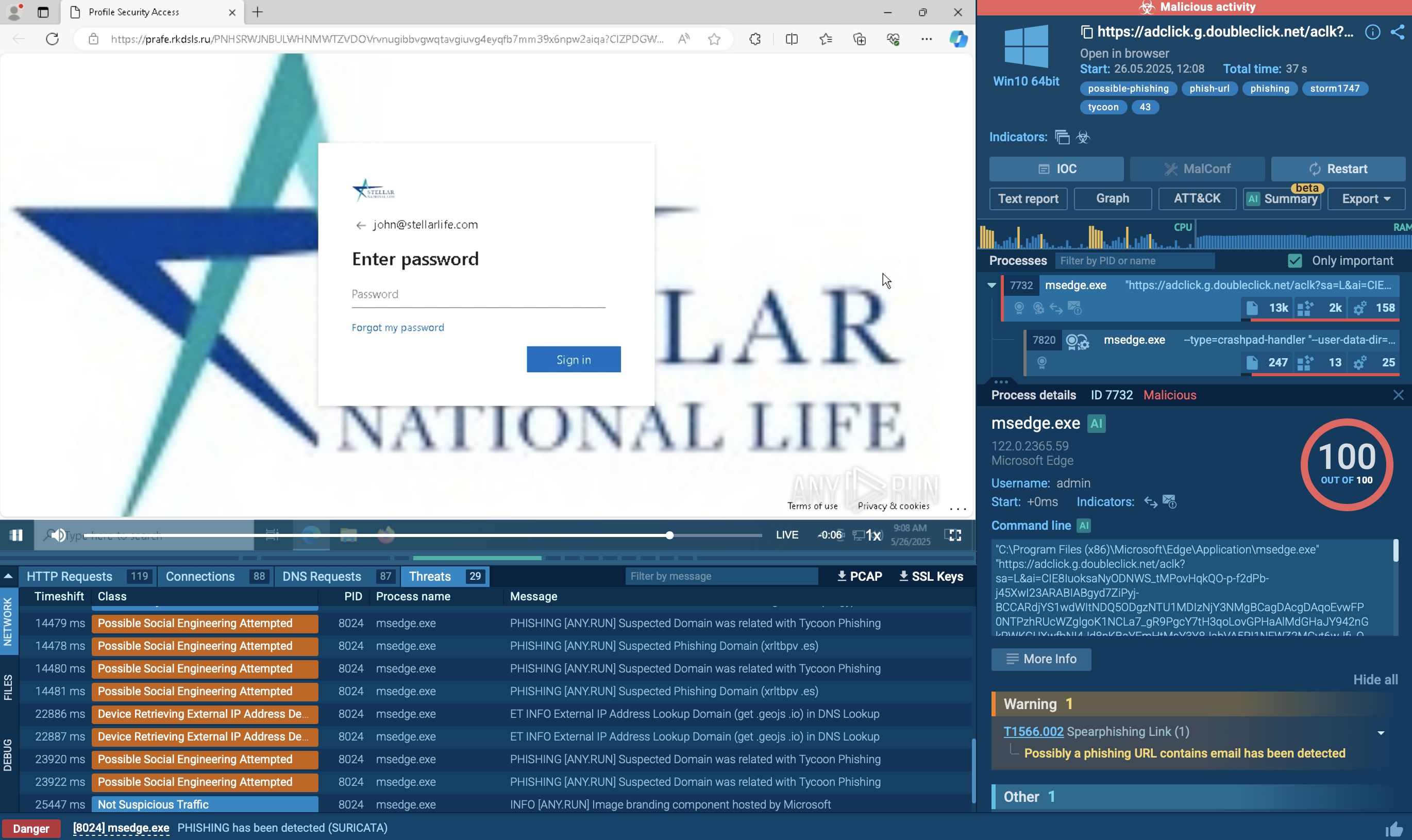
Tycoon 2FA is a phishing-as-a-service kit used for stealing credentials and equipped with advanced evasion capabilities.
Read More -
Huntress traced device code phishing from Tencent Cloud to Kali365, a Microsoft 365 kit that steals tokens and keeps access even after MFA or password resets.
Read More -
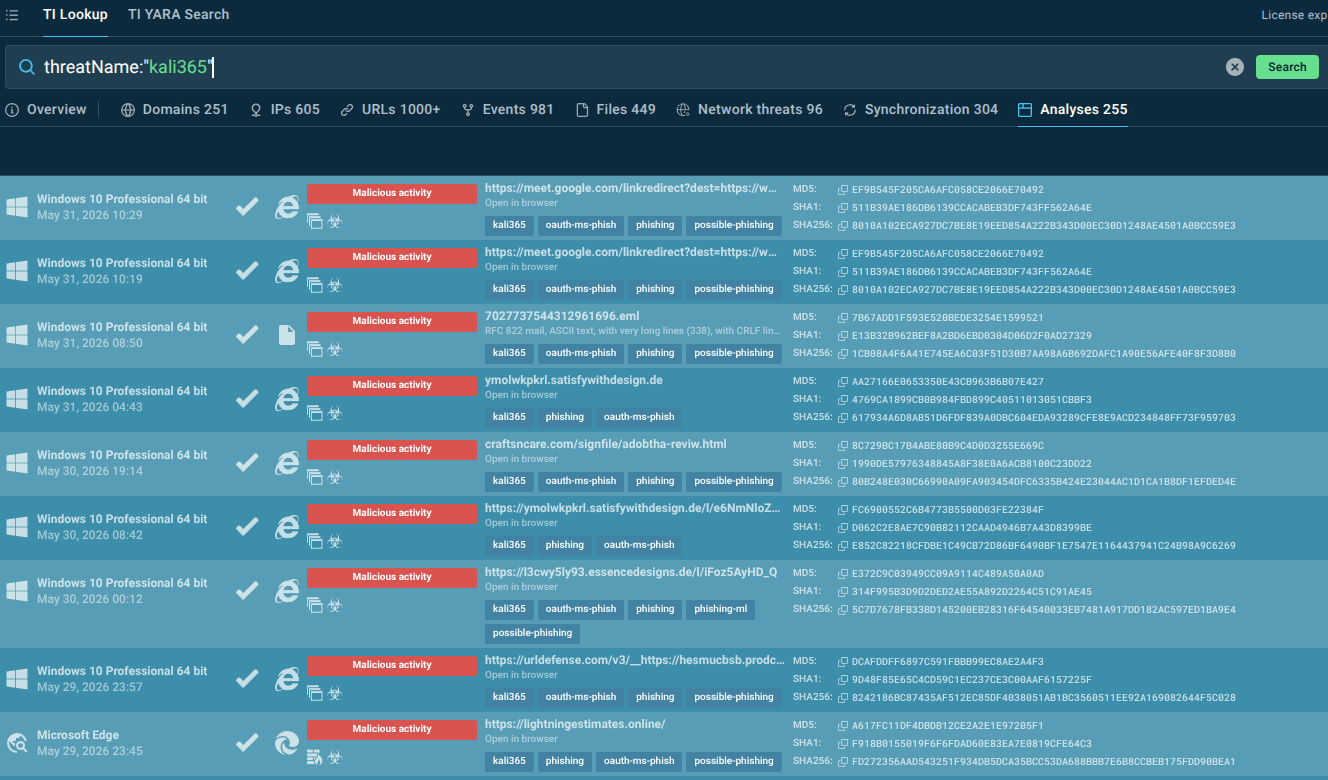
Discover how the Kali365 phishing kit targets Outlook, Teams, and OneDrive through OAuth token theft and what organizations can do to defend against this emerging threat.
Read More -

Arctic Wolf recently observed a large scale device code phishing campaign leveraging the Kali365 phishing‑as‑a‑service platform to obtain initial access and conduct follow-on activity.
Read More -
The Federal Bureau of Investigation (FBI) is issuing this Public Service Announcement (PSA) to warn the public about an emerging Phishing1-as-a-Service2 (PhaaS) platform called Kali365, first seen ...
Read More
Related rules
- Entra ID Kali365 Default User-Agent Detected
- Entra ID AiTM Phishing-Kit Chain Detected
- Entra ID Device Registration with ROADtools Default OS Build
- Entra ID Guest Account Promoted to Member
- Entra ID Multiple Device Registrations by a Single User