GitHub PAT Access Restriction Disabled
Detects when the organization control that restricts personal access token (PAT) access to GitHub organization resources is disabled. With the restriction enabled, classic and fine-grained PATs cannot reach organization-owned resources; once disabled, any member's PAT can access private repositories again without owner enforcement. Following an account takeover, an adversary may disable this restriction so that a leaked or attacker-created PAT regains access to organization data, establishing token-based persistence and a data-exfiltration path, making this a high-impact change to the organization's programmatic-access controls.
Elastic rule (View on GitHub)
  1[metadata]
  2creation_date = "2026/11/02"
  3integration = ["github"]
  4maturity = "production"
  5updated_date = "2026/11/02"
  6
  7[rule]
  8author = ["Elastic"]
  9description = """
 10Detects when the organization control that restricts personal access token (PAT) access to GitHub organization
 11resources is disabled. With the restriction enabled, classic and fine-grained PATs cannot reach organization-owned
 12resources; once disabled, any member's PAT can access private repositories again without owner enforcement. Following an
 13account takeover, an adversary may disable this restriction so that a leaked or attacker-created PAT regains access to
 14organization data, establishing token-based persistence and a data-exfiltration path, making this a high-impact change
 15to the organization's programmatic-access controls.
 16"""
 17false_positives = [
 18    """
 19    Temporarily allowing PATs during a documented migration off GitHub Apps, then re-enabling the restriction. Confirm
 20    with organization owners.
 21    """,
 22]
 23from = "now-9m"
 24language = "esql"
 25license = "Elastic License v2"
 26name = "GitHub PAT Access Restriction Disabled"
 27note = """## Triage and analysis
 28
 29> **Disclaimer**:
 30> This investigation guide was created using generative AI technology and has been reviewed to improve its accuracy and relevance. While every effort has been made to ensure its quality, we recommend validating the content and adapting it to suit your specific environment and operational needs.
 31
 32### Investigating GitHub PAT Access Restriction Disabled
 33
 34This rule triggers on `personal_access_token.access_restriction_disabled`, the audit action emitted when an organization owner stops restricting personal access token (PAT) access to organization-owned resources. With the restriction enabled, classic and fine-grained PATs cannot reach organization resources; once disabled, any member's PAT can access private repositories again. An adversary who has taken over an owner account may disable this control so a leaked or attacker-created PAT regains organization access, establishing token-based persistence and a data-exfiltration path that survives password and session resets.
 35
 36GitHub emits this single audit action for both classic and fine-grained personal access tokens; there is no separate per-type action. Use the organization audit log or the actor context to determine whether the classic or fine-grained restriction (or both) was relaxed. Enabling the restriction (`personal_access_token.access_restriction_enabled`) is hardening and is not alerted.
 37
 38This is a different control from fine-grained PAT *approval*. Auto-approve (`auto_approve_personal_access_token_requests.enable`) is covered by the GitHub Fine-Grained PAT Auto-Approve Enabled rule; turning approval *on* is hardening and is not suspicious here.
 39
 40### Possible investigation steps
 41
 42- Identify the actor from `user.name`, `github.actor_ip`, `github.user_agent`, and `github.programmatic_access_type`, and confirm whether they legitimately hold organization owner privileges.
 43- Determine whether the change was expected by checking change-management records and the affected `github.org`, and whether classic PATs, fine-grained PATs, or both were unrestricted.
 44- Review PAT grants and usage after the change, such as `personal_access_token.access_granted` events and subsequent private `git.clone`, `git.push`, or `repo.download_zip` activity by the affected tokens (`github.hashed_token`, `github.token_scopes`).
 45- Review authentication context for the actor around the event time for signs of takeover, such as sign-ins from new `github.actor_ip` addresses, unfamiliar user agents, or token-based access (`github.programmatic_access_type`) instead of normal interactive activity.
 46- Correlate for other high-impact identity or policy changes near the same timestamp, including owner or member additions, OAuth App restriction changes, SSO/SAML changes, 2FA requirement changes, and IP allow-list modifications.
 47
 48### False positive analysis
 49
 50- A ticketed migration or cutover (for example, moving automation off GitHub Apps) may require temporarily allowing classic PATs; this should be time-bounded, approved by organization owners, and followed by re-enabling the restriction.
 51- A planned governance change performed by a known administrator can generate this event as expected activity.
 52
 53### Response and remediation
 54
 55- Re-enable the PAT access restriction for the organization as soon as the change is confirmed unauthorized, and prefer restricting classic PATs while requiring approval for fine-grained PATs.
 56- Review and revoke PATs created or used while the restriction was off, prioritizing tokens with broad scopes (`github.token_scopes`) or no business justification.
 57- Rotate credentials and secrets potentially exposed through those tokens, and audit recent private repository clones, pushes, and ZIP downloads for data access.
 58- Review org audit logs for other changes made by the actor after the disable event, and revert any unauthorized modifications.
 59- Escalate to incident response if the actor is unknown or unauthorized, or if the disable event is followed by new PAT grants, owner additions, or sign-ins from unfamiliar infrastructure.
 60- Harden by enforcing PAT access restrictions org-wide, disabling classic PATs, requiring approval and expiry for fine-grained PATs, and alerting on future changes to the PAT access policy.
 61"""
 62references = [
 63    "https://github.blog/security/application-security/introducing-fine-grained-personal-access-tokens-for-github/",
 64    "https://docs.github.com/en/organizations/managing-programmatic-access-to-your-organization/setting-a-personal-access-token-policy-for-your-organization",
 65    "https://docs.github.com/en/organizations/keeping-your-organization-secure/managing-security-settings-for-your-organization/audit-log-events-for-your-organization",
 66]
 67risk_score = 47
 68rule_id = "71e26fdd-145c-4df3-88c4-b1aa6817732a"
 69severity = "medium"
 70tags = [
 71    "Domain: Cloud",
 72    "Domain: SaaS",
 73    "Platform: GitHub",
 74    "Use Case: Threat Detection",
 75    "Tactic: Defense Evasion",
 76    "Tactic: Persistence",
 77    "Data Source: Github",
 78    "Data Source: GitHub Audit Logs",
 79    "Rule Type: ESQL",
 80    "Resources: Investigation Guide",
 81]
 82timestamp_override = "event.ingested"
 83type = "esql"
 84
 85query = '''
 86from logs-github.audit-* metadata _id, _index, _version
 87| where
 88  data_stream.dataset == "github.audit"
 89    and event.action == "personal_access_token.access_restriction_disabled"
 90| keep
 91    _id,
 92    _index,
 93    _version,
 94    @timestamp,
 95    event.action,
 96    user.name,
 97    github.org,
 98    github.repo,
 99    github.actor_ip,
100    github.hashed_token,
101    github.programmatic_access_type,
102    github.user_agent,
103    github.token_scopes
104'''
105
106
107[[rule.threat]]
108framework = "MITRE ATT&CK"
109[[rule.threat.technique]]
110id = "T1562"
111name = "Impair Defenses"
112reference = "https://attack.mitre.org/techniques/T1562/"
113[[rule.threat.technique.subtechnique]]
114id = "T1562.001"
115name = "Disable or Modify Tools"
116reference = "https://attack.mitre.org/techniques/T1562/001/"
117
118[[rule.threat.technique]]
119id = "T1484"
120name = "Domain or Tenant Policy Modification"
121reference = "https://attack.mitre.org/techniques/T1484/"
122
123
124[rule.threat.tactic]
125id = "TA0005"
126name = "Defense Evasion"
127reference = "https://attack.mitre.org/tactics/TA0005/"
128[[rule.threat]]
129framework = "MITRE ATT&CK"
130[[rule.threat.technique]]
131id = "T1098"
132name = "Account Manipulation"
133reference = "https://attack.mitre.org/techniques/T1098/"
134
135
136[rule.threat.tactic]
137id = "TA0003"
138name = "Persistence"
139reference = "https://attack.mitre.org/tactics/TA0003/"
140
141[rule.investigation_fields]
142field_names = [
143    "@timestamp",
144    "event.action",
145    "user.name",
146    "github.org",
147    "github.repo",
148    "github.actor_ip",
149    "github.hashed_token",
150    "github.programmatic_access_type",
151    "github.user_agent",
152    "github.token_scopes",
153]
Triage and analysis
Disclaimer: This investigation guide was created using generative AI technology and has been reviewed to improve its accuracy and relevance. While every effort has been made to ensure its quality, we recommend validating the content and adapting it to suit your specific environment and operational needs.
Investigating GitHub PAT Access Restriction Disabled
This rule triggers on personal_access_token.access_restriction_disabled, the audit action emitted when an organization owner stops restricting personal access token (PAT) access to organization-owned resources. With the restriction enabled, classic and fine-grained PATs cannot reach organization resources; once disabled, any member's PAT can access private repositories again. An adversary who has taken over an owner account may disable this control so a leaked or attacker-created PAT regains organization access, establishing token-based persistence and a data-exfiltration path that survives password and session resets.
GitHub emits this single audit action for both classic and fine-grained personal access tokens; there is no separate per-type action. Use the organization audit log or the actor context to determine whether the classic or fine-grained restriction (or both) was relaxed. Enabling the restriction (personal_access_token.access_restriction_enabled) is hardening and is not alerted.
This is a different control from fine-grained PAT approval. Auto-approve (auto_approve_personal_access_token_requests.enable) is covered by the GitHub Fine-Grained PAT Auto-Approve Enabled rule; turning approval on is hardening and is not suspicious here.
Possible investigation steps
- Identify the actor from
user.name,github.actor_ip,github.user_agent, andgithub.programmatic_access_type, and confirm whether they legitimately hold organization owner privileges. - Determine whether the change was expected by checking change-management records and the affected
github.org, and whether classic PATs, fine-grained PATs, or both were unrestricted. - Review PAT grants and usage after the change, such as
personal_access_token.access_grantedevents and subsequent privategit.clone,git.push, orrepo.download_zipactivity by the affected tokens (github.hashed_token,github.token_scopes). - Review authentication context for the actor around the event time for signs of takeover, such as sign-ins from new
github.actor_ipaddresses, unfamiliar user agents, or token-based access (github.programmatic_access_type) instead of normal interactive activity. - Correlate for other high-impact identity or policy changes near the same timestamp, including owner or member additions, OAuth App restriction changes, SSO/SAML changes, 2FA requirement changes, and IP allow-list modifications.
False positive analysis
- A ticketed migration or cutover (for example, moving automation off GitHub Apps) may require temporarily allowing classic PATs; this should be time-bounded, approved by organization owners, and followed by re-enabling the restriction.
- A planned governance change performed by a known administrator can generate this event as expected activity.
Response and remediation
- Re-enable the PAT access restriction for the organization as soon as the change is confirmed unauthorized, and prefer restricting classic PATs while requiring approval for fine-grained PATs.
- Review and revoke PATs created or used while the restriction was off, prioritizing tokens with broad scopes (
github.token_scopes) or no business justification. - Rotate credentials and secrets potentially exposed through those tokens, and audit recent private repository clones, pushes, and ZIP downloads for data access.
- Review org audit logs for other changes made by the actor after the disable event, and revert any unauthorized modifications.
- Escalate to incident response if the actor is unknown or unauthorized, or if the disable event is followed by new PAT grants, owner additions, or sign-ins from unfamiliar infrastructure.
- Harden by enforcing PAT access restrictions org-wide, disabling classic PATs, requiring approval and expiry for fine-grained PATs, and alerting on future changes to the PAT access policy.
References
-
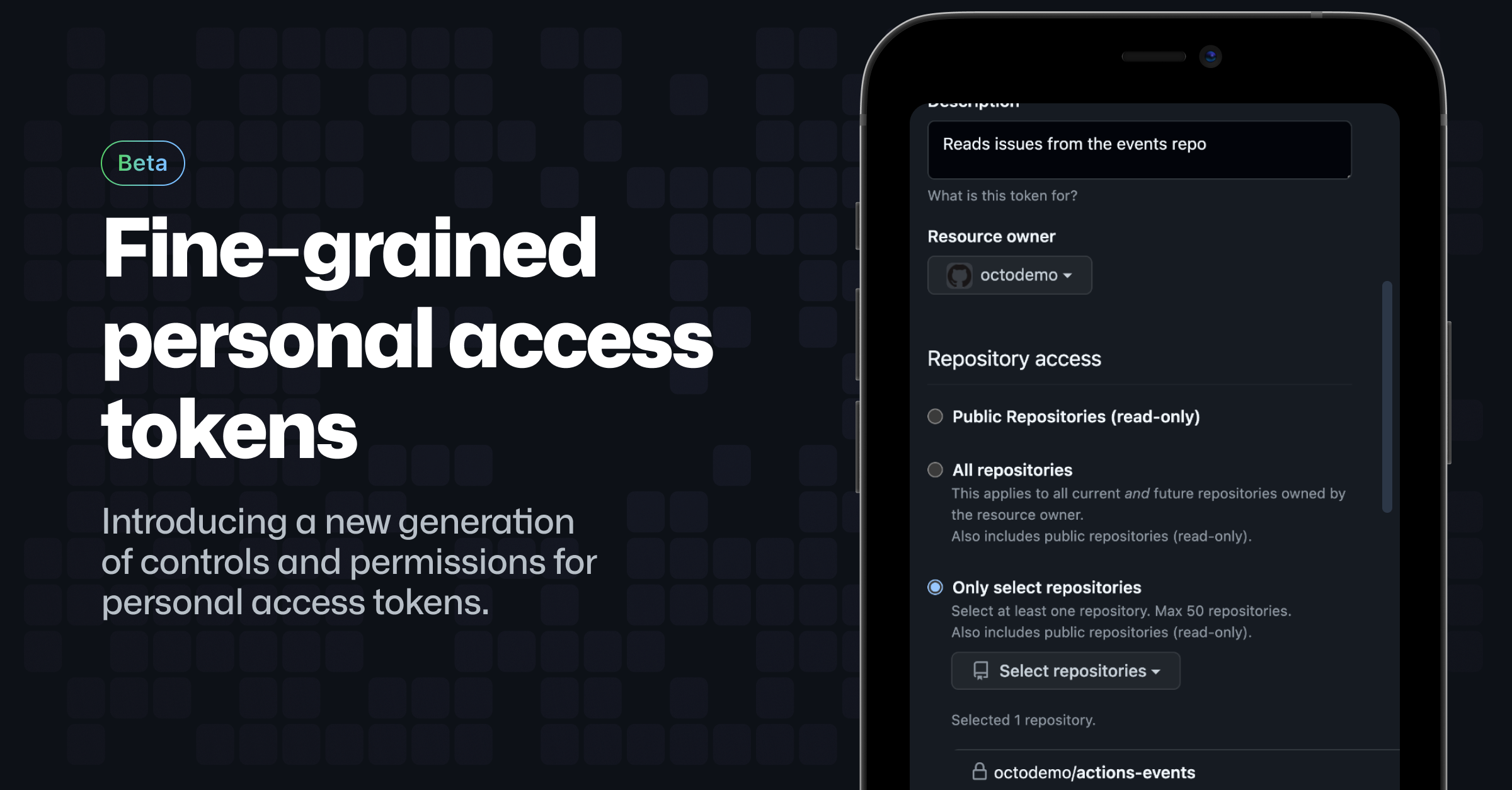
Fine-grained personal access tokens offer enhanced security to developers and organization owners, to reduce the risk to your data of compromised tokens.
Read More -

Organization owners can control access to resources by applying policies to personal access tokens
Read More -
Related rules
- GitHub IP Allow List Modified
- GitHub MFA Requirement Disabled
- GitHub Dependabot Alerts or Security Updates Disabled
- GitHub Audit Log Streaming Configuration Modified or Deleted
- GitHub Advanced Security Disabled